
Overview
Google doesn’t back up your data the way you think
Google Workspace keeps your data available, but it isn’t a backup. Accidental deletion, malicious action or a compromised account can lose data for good.
WhizzIT adds independent, automated backup for Gmail, Drive, Shared Drives, Contacts and Calendar, with fast, granular recovery when you need it.
Backup covers Gmail, Drive, Shared Drives and Calendar independently of Google’s own retention, so a deletion that falls outside those windows is still recoverable. We are a team of five engineers supporting more than 30 UK businesses, from two-user teams to organisations of 150+ users. WhizzIT is Cyber Essentials certified and a Microsoft Cloud Solution Provider, so our security fundamentals are independently assessed rather than simply claimed. It is priced per user at a fixed monthly cost rather than bundled into rigid packages, so it scales with your team.
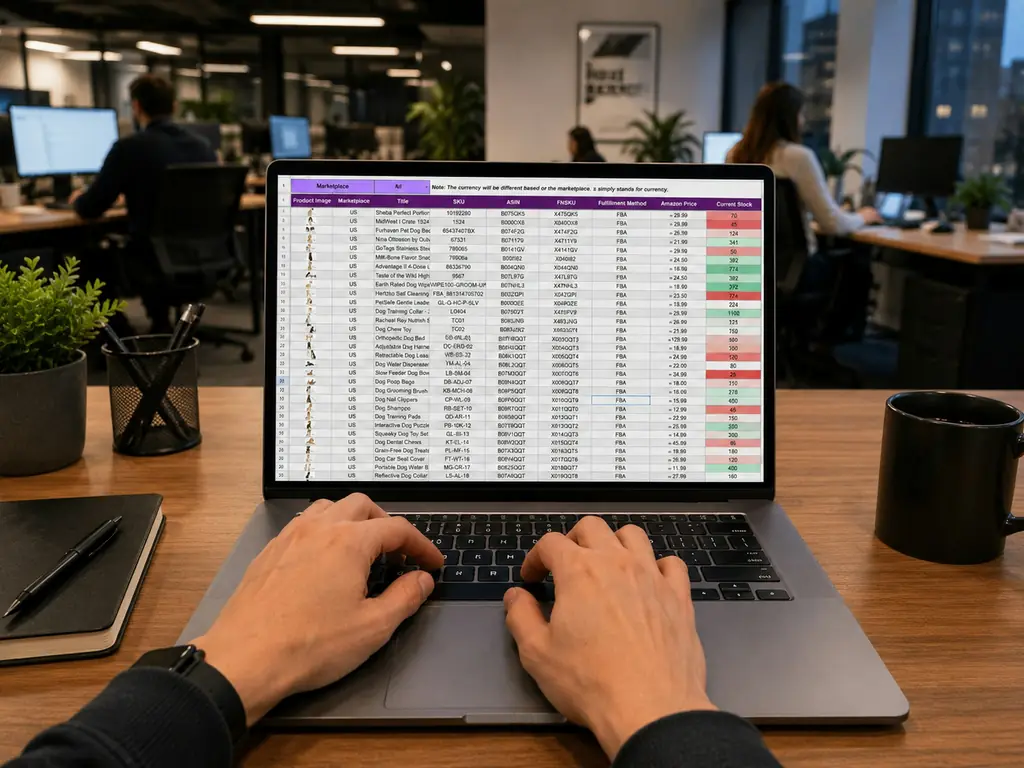
Managed Cloud ServicesGoogle Workspace Backup
What’s included
- Automated daily backup of Google Workspace
- Gmail, Drive and Shared Drive protection
- Contacts and Calendar backup
- Granular, point-in-time recovery
- Protection against accidental and malicious deletion
- Retention aligned to your needs

What good looks like
The test is the restore, not the backup
Backups fail quietly. They run, they report success, and the problem only shows up on the day someone needs a file back. That is why the measure worth caring about is whether a restore has actually been performed recently, not whether the job is green.
What we look for is granular recovery, so a single message or one folder can come back without restoring an entire account; coverage across Gmail, Drive, Shared Drives, Contacts and Calendar rather than mail alone; a retention period long enough that a deletion noticed months later is still recoverable; and a copy held independently of the Workspace tenant, so a compromise of the tenant cannot reach it.
Two practical questions are worth asking of any arrangement, including ours: how far back can you go, and how long would a realistic recovery take. If nobody can answer both, the position is not yet a backup. If you also run Microsoft, the same reasoning applies there and is covered by Microsoft 365 backup, with the broader plan in business continuity and disaster recovery.
Certified & accredited
Credentials you can check
-

Cyber Essentials certified
Independently assessed against the UK government-backed scheme, so our security fundamentals are verified rather than simply claimed. We help clients certify too. How Cyber Essentials helps you -

Microsoft Cloud Solution Provider
A direct partnership with Microsoft. We license, deploy and support Microsoft 365 and Azure for you, with escalation straight to Microsoft when it is needed. Our Microsoft cloud services
Cyber Essentials is a UK government scheme run by the National Cyber Security Centre, delivered by IASME. You can verify what the certification covers at source.



Technology partners
Brands we partner with
We hold partner status with the vendors behind the tools we deploy, so your licensing, support and escalation come direct from the source rather than through a reseller chain.