
Network Management

Network Monitoring & Management

We watch your network around the clock, switches, routers, firewalls and connectivity, so problems are spotted and fixed before they turn into downtime.

Prefer to talk? Call 020 4634 2518 · Rated 5.0 on Google · UK-wide coverage

Request a callbackWe respond the same working day.

Please complete the reCAPTCHA to continue.

Customer satisfaction
100%
Years of combined experience
35+
Average first response
9 min

Overview

Catch problems before your team does

Most network outages give warning signs long before they bring things to a halt, if someone is watching. Without monitoring, the first you hear of a problem is when work stops.

WhizzIT provides continuous, proactive monitoring and management of your network infrastructure, with alerting, performance analytics and the hands-on management to act on what we see.

Monitoring runs continuously across your network hardware and connectivity, and alerts land in the same helpdesk queue our engineers already work to. WhizzIT is Cyber Essentials certified and a Microsoft Cloud Solution Provider, so our security fundamentals are independently assessed rather than simply claimed. It is priced per user at a fixed monthly cost rather than bundled into rigid packages, so it scales with your team. Everything runs through the same UK service desk that handles your day-to-day tickets, so there is no separate team to chase.
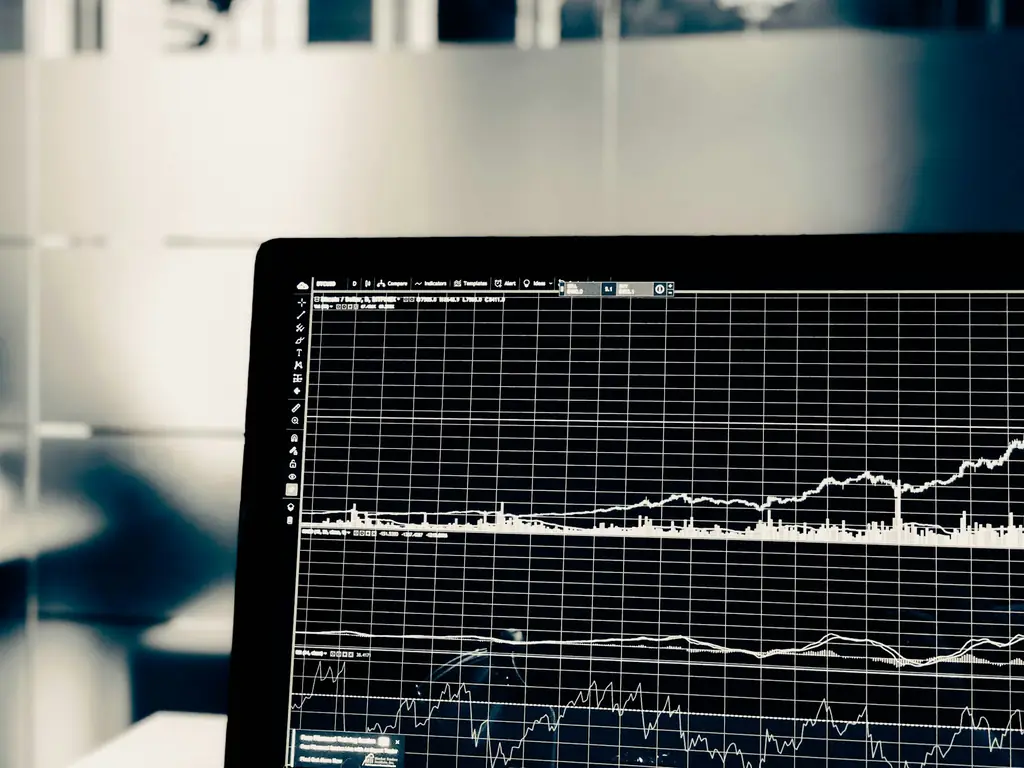
Monitor displaying live line graphs on a dark grid

Network ManagementNetwork Monitoring

What’s included

  • 24/7 monitoring of switches, routers and firewalls
  • Connectivity and uptime monitoring
  • Proactive alerting and issue resolution
  • Performance and bandwidth analytics
  • Capacity planning and recommendations
  • Regular reporting and reviews

What monitoring is for

An alert nobody acts on is just a log entry

Monitoring tools are easy to buy and easy to ignore. The difference between a dashboard and a service is whether an alert reaches a person who is expected to do something about it, within a time you have agreed. Everything else is decoration.

  1. Thresholds tuned to the site, not to the vendor default

    Out of the box, most monitoring alerts on values that mean nothing in your environment, and the team learns within a fortnight to dismiss them. Once that habit forms, the genuine alert is dismissed too. Tuning thresholds to what is normal for each device, and deliberately alerting on less, is what keeps the alerts worth reading.

  2. The signals that actually precede an outage

    Hardware rarely fails without warning. Rising interface errors on a switch port, a firewall session table filling steadily, a failing power supply in a resilient pair, disk latency creeping up, an access point rebooting nightly: each of these is visible days ahead if something is watching. That window is the entire argument for monitoring.

  3. Capacity questions need history, not a snapshot

    When someone asks whether the connection needs upgrading or whether the switch stack will cope with thirty more staff, the honest answer requires months of trend data. Monitoring that only shows the present moment can describe a problem but cannot support a purchase decision, which is where most of the budget conversations actually happen.

  4. Knowing what is connected in the first place

    Monitoring depends on an accurate inventory, and inventories drift. Devices get added during a project and never recorded, or replaced without the record being updated. Reconciling what is discovered on the network against what is documented is unglamorous and routinely finds equipment nobody had accounted for.

Engineer working on computer hardware

Monitoring versus management

Watching and fixing are different commitments

Plenty of arrangements notify you and stop there, which leaves the work exactly where it was. We act on what the monitoring shows: applying firmware updates in agreed windows, replacing hardware showing early failure, chasing the carrier when a circuit degrades, and reporting on what changed rather than only on what broke.

Monitoring the network is one layer. Security monitoring of endpoints and identity is a different discipline and is covered by managed detection and response, while the edge devices being watched here are configured and maintained under managed firewall.

Certified & accredited

Credentials you can check

  • Cyber Essentials certified

    Cyber Essentials certified

    Independently assessed against the UK government-backed scheme, so our security fundamentals are verified rather than simply claimed. We help clients certify too. How Cyber Essentials helps you
  • Microsoft Cloud Solution Provider

    Microsoft Cloud Solution Provider

    A direct partnership with Microsoft. We license, deploy and support Microsoft 365 and Azure for you, with escalation straight to Microsoft when it is needed. Our Microsoft cloud services

Cyber Essentials is a UK government scheme run by the National Cyber Security Centre, delivered by IASME. You can verify what the certification covers at source.

Straight answers

Want to know what this would cost?

No rigid packages and no surprises. We price around your team, systems and goals, then give you a clear quote.

Very responsive, knowledgeable and very reasonably priced. They provide IT services for my hotel, restaurant and sports bar and grill.

John Pringle, CEO, The Portland Hotel Group

How we help

What we deliver

  1. Monitor

    We continuously monitor your network devices and connectivity for faults and performance issues.

  2. Manage

    We act on alerts, resolve issues and manage changes and updates to keep everything healthy.

  3. Report

    You get clear reporting on uptime and performance, plus recommendations to plan ahead.

Good to know

Frequently asked questions

Not covered here? Ask us directly — same working day response.

020 4634 2518
What does network monitoring cover?

Your core network infrastructure, switches, routers, firewalls, access points and internet connectivity, watched continuously for faults, performance issues and capacity limits.

How is this different from general IT support?

IT support reacts to problems people report. Network monitoring is proactive, it flags and resolves issues in the infrastructure before your team ever notices them.

Do you monitor around the clock?

Yes. Monitoring runs 24/7, so issues that happen overnight or at weekends are detected and can be acted on quickly.

Will monitoring help us plan for growth?

Yes. Performance and capacity analytics show where your network is nearing its limits, so upgrades are planned rather than forced by an outage.

Technology partners

Brands we partner with

We hold partner status with the vendors behind the tools we deploy, so your licensing, support and escalation come direct from the source rather than through a reseller chain.


  • Fortinet Authorized Partner
  • Dell Technologies Authorized Partner
  • NinjaOne partner
  • Pax8 partner
  • Acronis partner